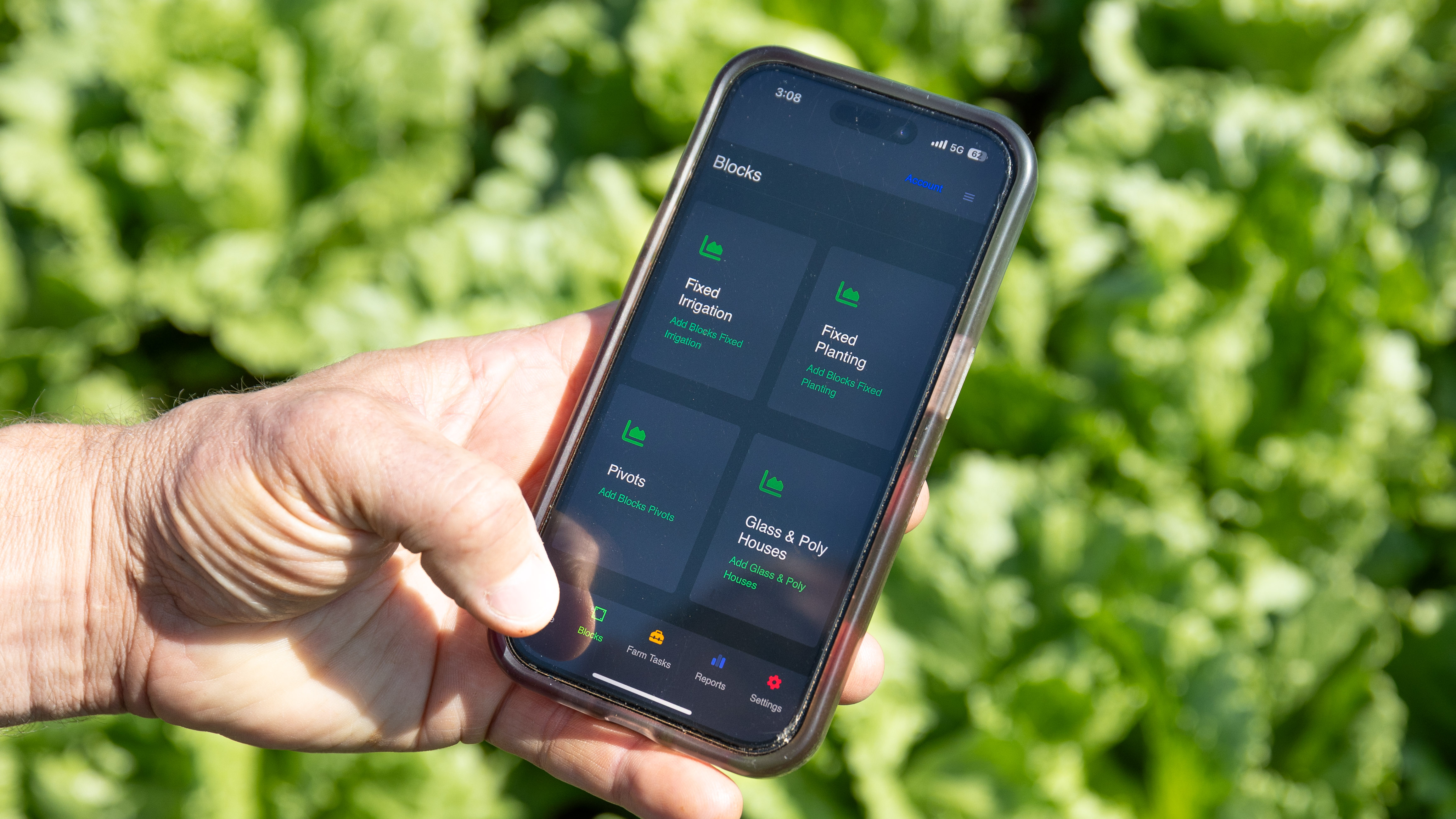
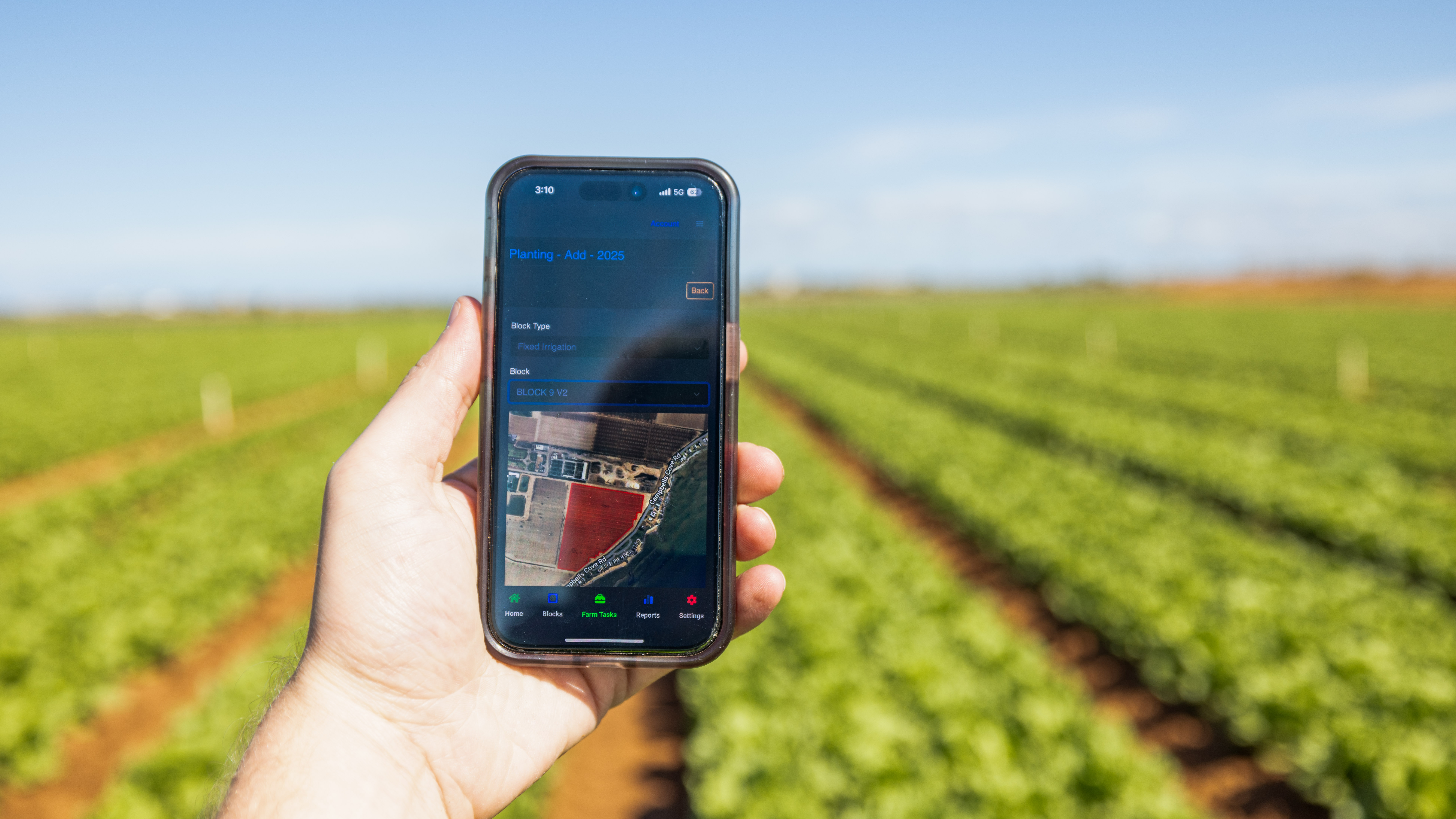
Master click2gro with our comprehensive video tutorials. Whether you're getting started or looking to use advanced features, our step-by-step guides will help you make the most of your farm management system.
Browse All TutorialsLearn at your own pace with our comprehensive tutorial library
Duration: 3:16
Learn how to setup your company details, crops, chemicals, fertilizers and add your users and user groups
Duration: 5:01
Learn how to setup your fixed irrigation blocks and add sections
Duration: 4:30
Discover how to add a fixed planting to your farm in click2gro, including setting up planting details, assigning crops, and managing planting records.
Duration: 1:19
Learn how to add a new user to your click2gro account, assign roles, and manage user permissions for your team.
Duration: 1:41
Learn how to create and manage fertiliser templates in click2gro, making it easy to apply consistent fertiliser plans across your farm operations.